You're Running Nine Open Roles. Do You Know What Slipped Today?
Recruitment dashboard software should answer three questions each morning: what moved, what's due, what's slipping. A 10-minute board you can run today.

Knoot Admin
October 07, 2026
Content
Nine Open Roles, Twelve Tabs, and Nobody Watching the Whole Board
Your pipeline lives in five places
Nothing is late until someone complains
The weekly report arrives after the damage
How to Run a 10-Minute Morning Board (and What Recruitment Dashboard Software Should Show You)
Now: what moved since yesterday
Next: what's due in the next 48 hours
Slipping: what's quietly going stale
The Knoot Angle
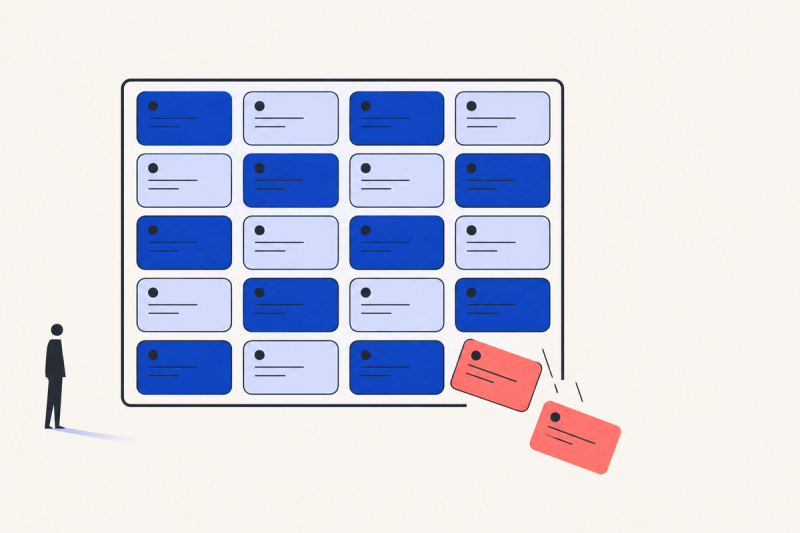
It's 8:47 a.m. You open your recruitment dashboard software — or what passes for one: an ATS tab, a spreadsheet, a calendar, and a Slack thread you've been meaning to answer since Friday.
Nine open roles. Somewhere between forty and four hundred new applicants since yesterday. A hiring manager who "just wants a quick update."
You don't have a recruiting problem. You have a where is everything problem. And the cost of not knowing isn't a slow morning. It's the finalist who went quiet for six days while you were busy somewhere else.
So here's the question this post is really about: when you're carrying this many roles, what does a good morning look like?
Nine Open Roles, Twelve Tabs, and Nobody Watching the Whole Board
Benchmark reports this year keep telling the same story: more open reqs per recruiter, more applications per req, fewer recruiters to go around. The work grew. The screen you look at didn't.
Your pipeline lives in five places
ATS for stages. Inbox for replies. Sheet for the shortlist. Calendar for interviews. Chat for "any news?"
You're not disorganized. You're multi-tabbing a pipeline that was never on one page.
Nothing is late until someone complains
A candidate waits four days for feedback. A role hits day 40 with no movement. A shortlist sits unread because it landed during a heavy week.
Picture a Senior Backend Engineer search, day 31. Three strong candidates, one waiting on feedback, one waiting on a slot, one who stopped replying on Monday. Nobody forgot them. Nobody saw them, either.
None of it throws an error. It all just goes quiet — until the hiring manager asks, or the candidate accepts someone else's offer.
The weekly report arrives after the damage
You can build a Friday report. By Friday, Tuesday's mistake is already a lost hire.
Reports describe the past. Recruiters work in the present.

How to Run a 10-Minute Morning Board (and What Recruitment Dashboard Software Should Show You)
You can do this with a spreadsheet and a coffee. The method matters more than the tool. Call it Now, Next, Slipping.
Now: what moved since yesterday
New applicants per role. Replies received. Interviews completed. Offers out.
Not a deep dive — a pulse. If nothing moved on a role that should be moving, that's already your first finding.
Next: what's due in the next 48 hours
Interviews to schedule. Feedback you owe. Shortlists a hiring manager is waiting on.
Write it down as three to five items, no more. A list of twenty is a wish list, not a plan.
Slipping: what's quietly going stale
This is the one almost nobody checks. Roles with no movement for a week. Candidates with no contact for five days. Finalists whose last touchpoint was yours, long ago.
Slipping is where hires get lost. Everything else on the board is just noise around it.
Ten minutes, three columns. Do it every morning for two weeks and you'll know which of your roles is actually healthy and which one you've just been hoping about.
When you evaluate recruitment dashboard software, use the same test: can it answer now, next, slipping on one screen, without an export or a pivot table? If you need a training session to find out what's late, it isn't a dashboard. It's another report. (We dug into the same visibility gap when .)
The Knoot Angle
Recruiters don't need more reports. They need to see what's happening right now.
That's the job of Knoot's Activities Dashboard: one screen for the day's recruiting activity. New candidates come in, pipeline status updates as it changes, and the key numbers sit next to them — so your morning starts with the board, not with a hunt through five tabs.
It's a daily-ops view, not a quarterly analytics suite. It shows what happened and what's pending across your roles in real time, so the slipping column has nowhere to hide.
The dashboard surfaces. You decide. Which role needs a call, which candidate needs a nudge — that part stays yours.
Know your board before your board knows you.
Content
Nine Open Roles, Twelve Tabs, and Nobody Watching the Whole Board
Your pipeline lives in five places
Nothing is late until someone complains
The weekly report arrives after the damage
How to Run a 10-Minute Morning Board (and What Recruitment Dashboard Software Should Show You)
Now: what moved since yesterday
Next: what's due in the next 48 hours
Slipping: what's quietly going stale
The Knoot Angle